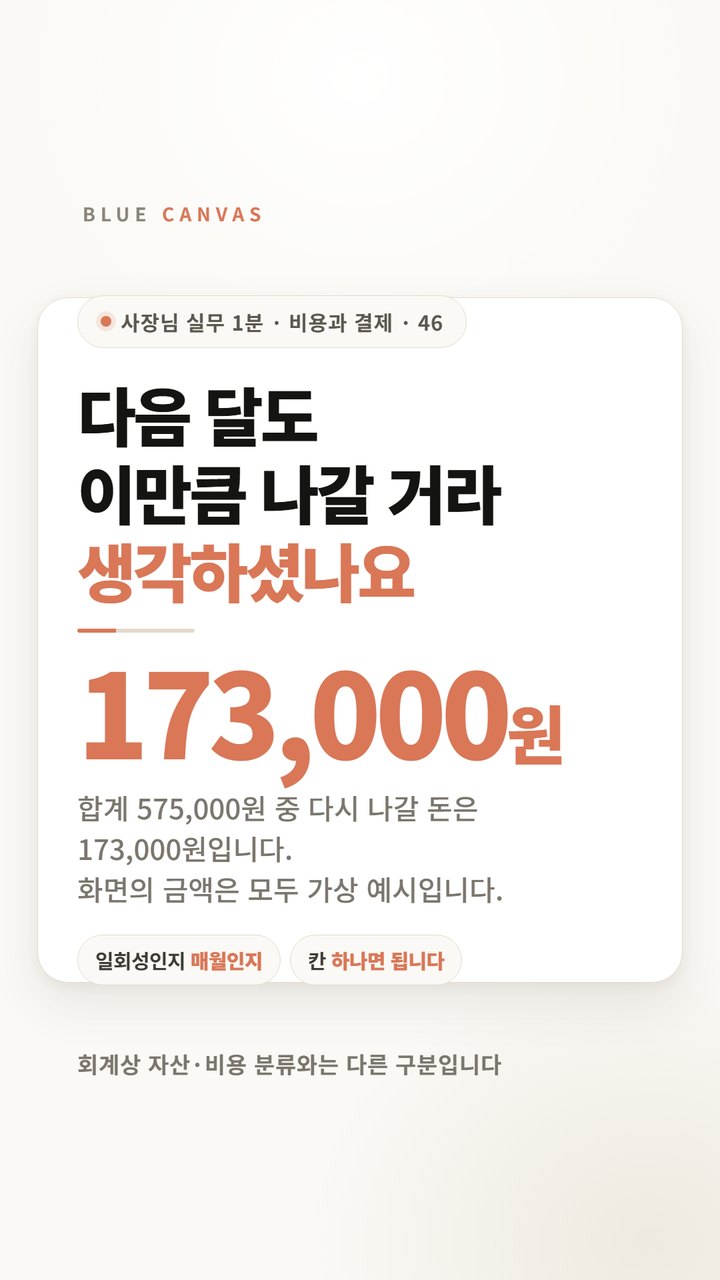
Duplicate payments usually result from structure, not mistakes
There are many companies where company accounts are paid with representative cards, and employees pay with personal accounts and then receive the money back as settlement. The two payments do not meet on the same screen because they take different paths.
The billing method on the service side also overlaps here. Notion writes in its help that “if there are multiple paid workspaces, each workspace is billed separately according to the number of members,” and in the same document, it explains that fees are based on the number of seats. If the same person is in both workspaces, seat fees will apply in both.
Open the receipt, not the statement
What appears on your card statement is the payment agency name. Since the product name does not appear, comparison is not possible based on that line alone. The following three items are written on the receipt email or payment history screen:
- Product name — Even for the same service, rates may vary.
- payment account — Check whether it is a company domain account or a personal email account.
- Period of use — The minimum condition for judgment is whether the periods of the two payments overlap.
The checklist has six columns
| Cannes | What to write |
|---|---|
| Service name | Actual service name as written on receipt |
| payment account | Is it a company domain account or a personal account? |
| Payment Path | What is corporate card, employee settlement, or automatic transfer? |
| Period of use | Start and end dates on the receipt |
| Included seats | How many seats are included in that payment? |
| Contact person confirmation | Either ask or confirm |
If the usage periods do not overlap, it may not be a duplicate but a record of changing rate plans. It is marked for confirmation only when the periods overlap.
See if that person is on the seat list
Open the seat list for your company workspace to see if that person is already there. If you already have a seat and another payment is being made to your personal account, you are paying twice for the same thing.
However, even in this situation, it is better not to clean it up right away. You may have data that remains only in your personal account, and you may be using features that are only available on your personal account plan.
Sentence to send to the person in charge
The only person who knows what the account is for is the person using the tool, not the payment screen. You can use the sentence below as is.
- Payment made to personal account What kind of work do you use this service for?
- As a seat in the company workspace can you do the same thing Could you please check?
- If you have data that only exists in your personal account list to movePlease let me know.
- If you decide to organize it before the next payment date Please let me know.
Nothing is canceled until an answer is received. Even if it is determined that there is overlap, there may be data that only exists in your personal account, so please check the list to move first and then organize it.
This is different from finding unused subscriptions.
It looks similar, but the viewing angle is different. Subscriptions that are not used Users and recent tasksView . This side Does the same tool go out in two ways?I only see it. If you do both at once, your judgment will get mixed up, so today you only need to find two payments with the same name.
The billing policy cited is for one service, and each service has different billing units.