The name on the statement is not the service name.
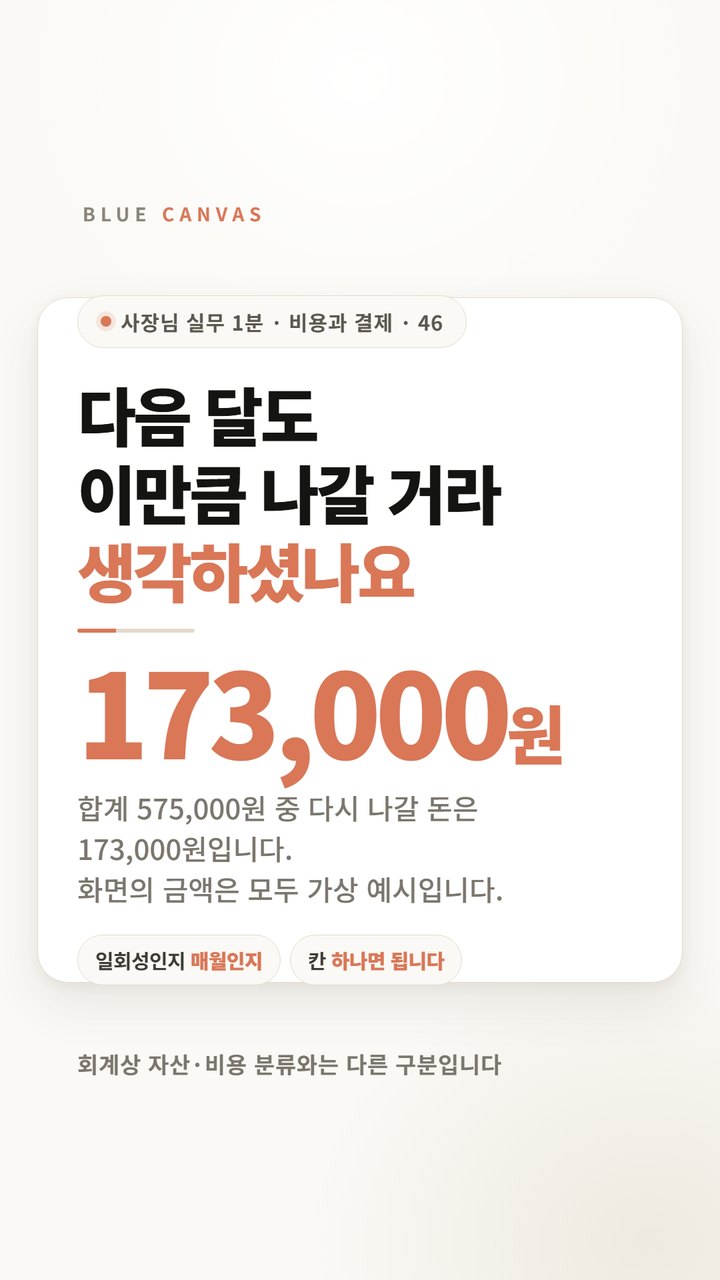
If you open your credit card statement and look at only the lines that appear on the same day every month, most of them will have a single line with the English name. Because the name of the company handling the payment is stamped, it is often different from the service name. Just by looking at this line, I can't remember what kind of work the tool is used for.
So the first order is not cancellation. Open the receipt email or subscription confirmation email Connecting business name and service nameThis comes first. At this stage, please leave any lines where the name is not found to be checked rather than deleted. There is a difference between not knowing and not using.
Finding out the name isn't the end.
You can't make a judgment based on a table that only lists the amount. The six spaces below are examples, and you can increase or decrease them to suit the tool you are using. There are two of them that divide the judgment.
| Cannes | What to write | If it's empty |
|---|---|---|
| Service name | Actual service name as confirmed on receipt | Let's start again with the name. |
| bill amount | Actual amount billed this month | Moved from the specification |
| user | The person or position writing the account | Confirmation requiredI leave it as |
| Recently used tasks | Confirmation requiredI leave it as | |
| next payment date | Next billing date | There is no longer a deadline to consider cancellation |
| Maintain or not | Maintenance / Confirmation required / Cancellation review | Decision will be moved to next month |
There are two categories to decide: user and recently used tasks. The line with these two empty spaces is the list to check today.
Organize with just your login history, cutting out the tools you need
Like automatic backup, domain management, monitoring notifications A subscription that does its job without having to open the screenThere is this. Even if your last login date appears a long time ago on your administrator screen, the tool may still be working every day.
So instead of just putting two things in the table: maintenance and cancellation, Confirmation requiredwere placed together. It is safer to ask someone before making a decision.
Even if no one uses it, it will not be canceled immediately.
Most often, tools used in completed projects are left behind. At this time, do not press the cancel button right away. three thingsPlease check first.
- material inside — See if there are any files that need to be downloaded. It is safer to complete it before cancellation.
- Integrates with other tools — Verify that automatically connected flows are not disconnected.
- co-writer — See if any accounts have been invited. Even if it is not my account, it may be used by someone else.
The service determines when termination takes effect and how long data remains. Microsoft notes in its Business Subscription Cancellation document that “any remaining customer data may be deleted after 30 days and will be deleted within 180 days of cancellation.” The same document also explains that the conditions for cancellation and refund vary depending on the type of contract. Conversely, there are services that do not disclose the number of days until deletion. Therefore, you should check the official help for each service you use.
Write down the date of your next payment so you have a deadline to review it.
You only need to check one thing today
If you try to fill out the entire ticket at once, it usually stops midway. Select only one recurring payment who writesand What work have you done recently? Please write only two spaces. If both are “don’t know,” the line is not a line to delete, but a line to confirm. You can fill out the remaining lines when your next payment date arrives.
This article does not guide you through the cancellation procedure for a specific service, and refunds and data storage following termination follow the terms and conditions of each service.