Skip to content Request a project consultation

1 minute security check · 001 security Breach Diagnosis Search impressions

How to check if your website has been hacked in 10 seconds

About 5 minutes to read BlueCanvas

How do I quickly check if my website has been hacked?

Just enter site:mydomain on one line without spaces in the Google search box. If titles not created by the company or foreign language gambling pages are mixed in the results, the search engine has already collected the infringed pages.

Key takeaways

  • in the google search bar site:my domain If you enter one line without spaces, traces of infringement will be immediately revealed.
  • If there are titles not created by the company or foreign language gambling pages mixed in, the index is not high and it has already been compromised.
  • You must open the server upload folder and the security issues menu in Search Console to find out the scope of infection and the date of first detection.

I just searched for the company name, but a flood of unfamiliar pages came up.

The sites featured in this episode appeared to have no problems on the surface. The website opened normally, and the administrator screen was the same as usual. However, when I searched by company name, a Japanese gambling page came up mixed in among the normal pages. The indexed pages are 3,127And most of them were pages that the company had never created.

This situation should not be interpreted as “many pages are captured in searches.” This means that the search engine has even collected the infringed pages, and those pages are already being exposed under the name of the company's domain.

10-second self-diagnosis: just one line in the search bar

Just paste the line below into the Google search bar and enter it without spaces.

site:my domain

For example, if the domain example.co.krIf so site:example.co.krEnter . site:If there is a space between and domain, the operator will not work, so you must add it.

The deciding factor is not the number of pages. If there is even one title unrelated to the company mixed in, it is not a normal search result. Please share the two below.

  • normal — All pages that appear in the results are pages created by the company.
  • suspected infringement — Unknown titles, foreign language strings, and gambling or adult keywords are mixed in.

Second digit: upload folder on server

It's not just the search results that are strange. Compromised sites also leave traces on servers. /wp-content/uploads/Please open the upload folder, which should contain only the original images and attachments, and sort them by modification date.

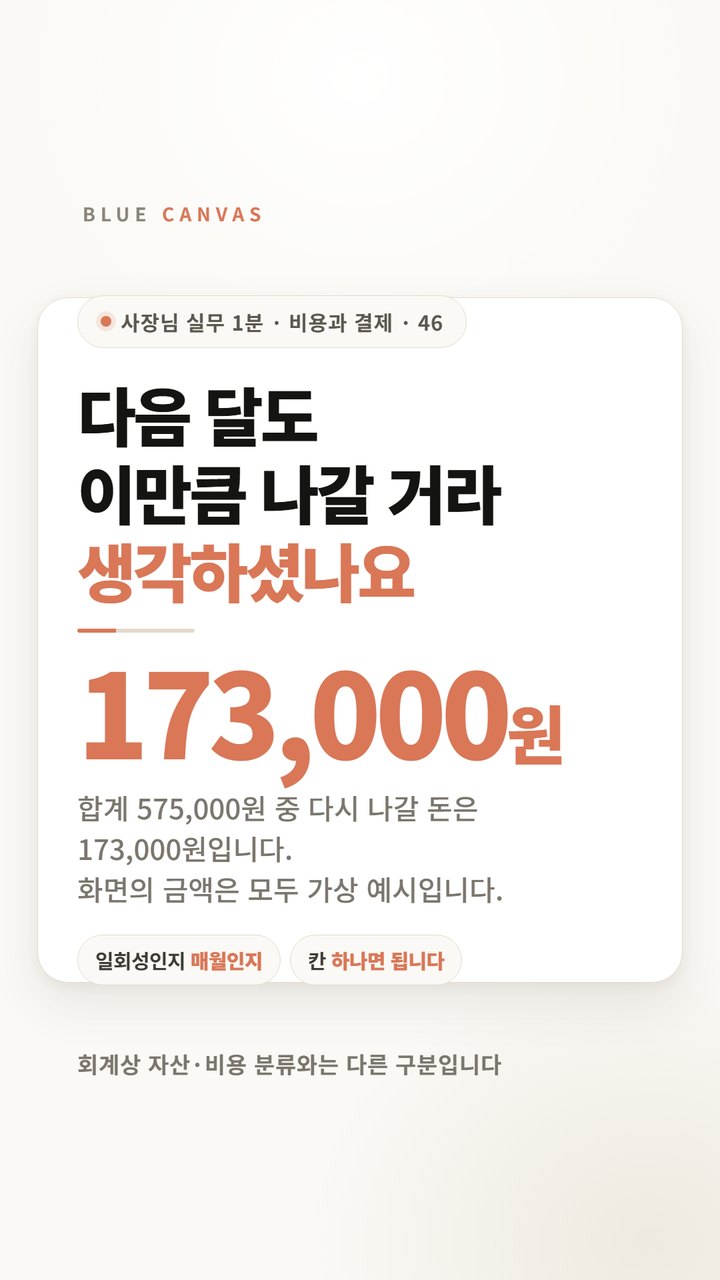
If multiple HTML files with the same modification date are created in one day, the files are not uploaded one by one by a person. This is an automatically planted file. In this case, k-8812.htmlFiles including were created consecutively at the same time.

When I find a file that I didn't upload, blocking the cause comes first rather than deleting it. If you just delete the file, it will be replanted in the same path a few days later.

Third digit: Security Issues menu in Search Console

Google usually knows before site operators do. If you have registered in Search Console, a record remains in the path below.

Search Console → Security and Manual Actions → Security Issues

This will retain the type of issue, the date it was first detected, and the number of pages affected. In this case, the issue type was "Hacked content — spam page insertion" and the date of first detection was: September 26, 2025, the affected pages are 3,127It was. As of the time the video was made, six months had passed since the warning was posted.

If you haven't registered your site in Search Console, we recommend that you do so now. Registration itself is free, but you must register so you don't miss the next alert.

What to do after checking

  1. Deletes infected pages and webshells together. If you just delete spam pages, the files that create them remain.
  2. Blocks the entry path. Update vulnerable plugins and remove execute permission from upload folder.
  3. All new account information will be issued. Admin passwords, FTP, databases, and API keys are all eligible.
  4. Then request a review in Search Console. If you change the order, the same warning will appear again after it is approved.

Why should the recovery order be set this way? How to recover when Google puts a ‘dangerous’ mark on your siteThis is covered in detail with examples. The starting point for intrusions is usually the administrator page. If the administrator address is /admin, how many times will it be attacked per day?If you look at the diagram below, the flows are connected as one.
Full video subtitles (5 scenes)

real signs of hacking

I just searched for the company name, but a flood of pages I didn't know came up. There are Japanese gambling pages mixed in among the normal pages. This doesn't mean you have a lot of pages, but it's a sign that your site has been compromised.

Evidence found on server

It's not just the search results that are strange. Unfamiliar files also pile up on the server. HTML files with the same modification date were created consecutively within one day. If it is a file that I did not upload, blocking the cause is better than deleting it.

10 second self-diagnosis

In the Google search box, enter just one line, site:mydomain, without spaces. If you see a title you don't know or a page in a foreign language, you should suspect infringement.

Discrimination criteria

I look at whether the page was created by me, not the number of pages. If even one title unrelated to the company is mixed in, it will not be a normal search result.

last check

Google already knew. Check the detection date and scope of impact in the Security Issues menu in Search Console. In this case, the first detection date was September 26, 2025, and the number of pages affected was 3,127.

Frequently Asked Questions

site: If a search returns no results, is it safe?

It is difficult to consider it safe. If there are no results, it may not have been indexed yet, or search engines may not be able to collect it due to robots.txt or noindex settings. In this case, you should check Search Console's Indexing Report and Security Issues menu together.

Can I check non-WordPress sites the same way?

You can check it. site: Search and Search Console verification are independent of CMS type. However, the folder to open on the server will be different. For WordPress, look at /wp-content/uploads/, for Gnuboard, look at /data/file/, and for sites you develop yourself, look at the path where attached files are saved.

I deleted the spam page, but it comes back a few days later. Why is that so?

This is because the files that create spam pages remain on the server. Attackers usually load a webshell first and then continue creating spam pages with that webshell. If there is a PHP file whose modification time is slightly earlier than the spam page, it is most likely the cause. If you don't block the intrusion route, the same thing will happen again.

If I want to delete my search results, can I request deletion from Google?

A deletion request is only a temporary measure. Google's URL removal tool will only hide it from search results for about six months, and if the cause remains, it will be re-exposed after the period is over. It is best to first remove infected files and block paths, then request a review in Search Console.

If you see an unknown page in the search results

If you just delete the file, it will be replanted to the same path. BlueCanvas' server security inspection finds intrusion routes and provides a report summarizing the risk level and order of action.

Take a look at server security checks

Other short form insights

See all short form insights→